


100% up to $1,500 + 100 FS

CrownGreen Login & Registration — CA
Getting into your account should never feel like a puzzle. Whether you are completing a CrownGreen login for the first time or returning after a break, this guide walks you through every step — from creating your profile and filling in the registration form, to verifying your identity and landing your first welcome bonus. We have built the process to be straightforward, so you spend less time on admin and more time at the tables.
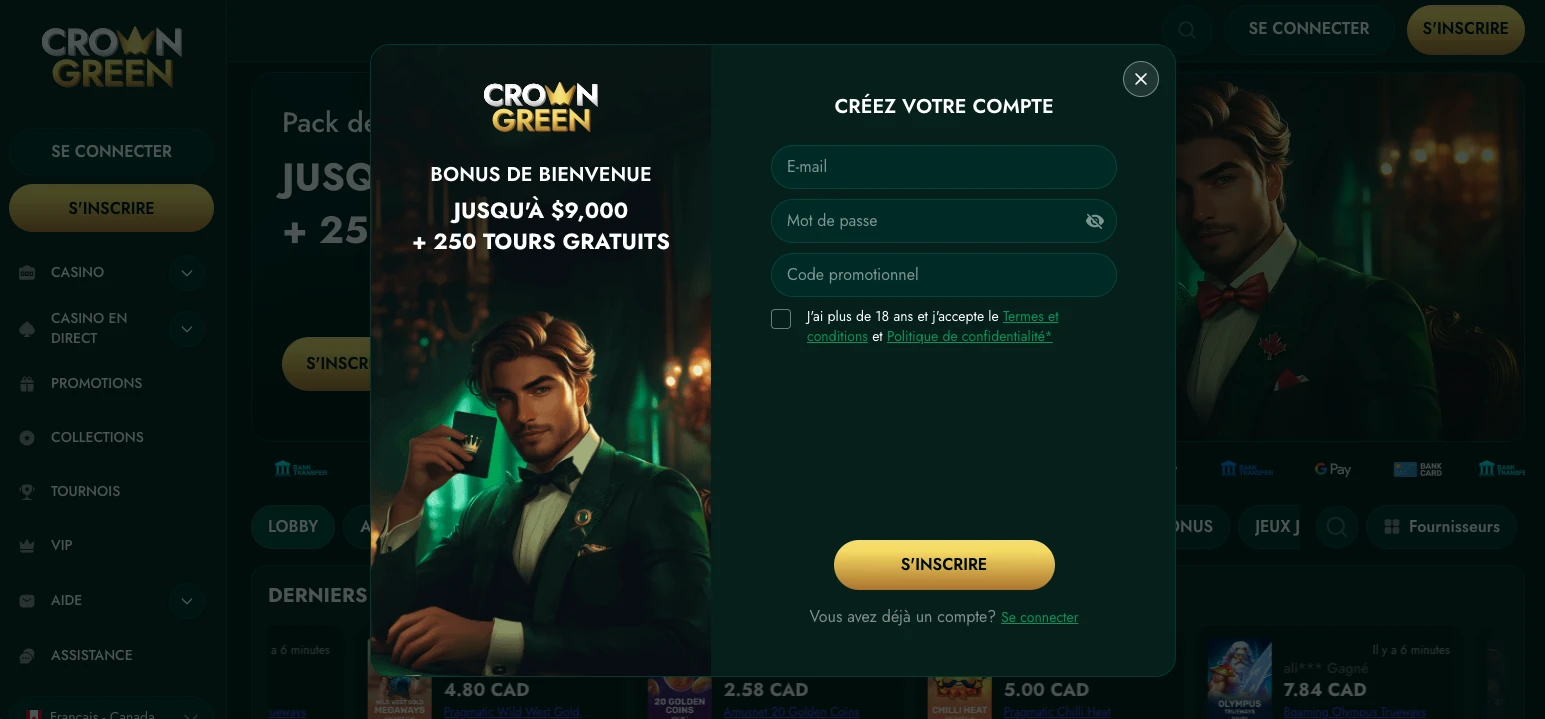
Where the Account Lives
One profile is genuinely all you need here. CrownGreen runs on a combined account structure, meaning a single set of credentials opens every corner of the platform. There is no separate login for the sportsbook, no second wallet for live casino, and no extra registration for VIP progress — it is all connected from day one.
Here is what that single account gives you access to:
- Slots, Megaways, and Jackpot Games — the full game lobby with titles from Pragmatic Play, NetEnt, Hacksaw Gaming, Nolimit City, and over 100 other providers
- Live tables — blackjack, baccarat, and poker rooms including VIP Blackjack 7, Speed Baccarat 10, and Texas Hold’em
- Sportsbook — pre-match and in-play betting from the same cashier
- VIP progress — every point you earn is tracked automatically under one roof
For a full picture of what your account unlocks, the online Crowngreen site features page lays out every section in detail. We designed the interface this way because switching between accounts mid-session is a pain nobody should have to manage. Log in once and everything follows.
Filling the Registration Form
Every field in our registration form exists for a practical reason, not just formality. Entering accurate details now means your first withdrawal clears without delay — mismatches between your account and your ID are the single most common cause of a stalled payout.
| Field | Why It Matters |
|---|---|
| Legal name | Must match your government-issued ID exactly |
| Date of birth | Confirms you are 18+ and aligns with KYC checks |
| Residential address | Used for identity verification and responsible gaming records |
| Email address | Receives account confirmations and security alerts |
| Phone number | Supports two-factor protection and account recovery |
| Preferred currency | Sets your cashier to CAD, EUR, or USD from the start |
Once the form is submitted, look at the CrownGreen Casino login button — it becomes active as soon as your email is confirmed. Before you make your first deposit, check the welcome offer details; the first deposit match goes up to $1,500 plus 100 free spins, and you want to choose the right cashier method ahead of time. For everything bonus-related, the Crowngreen reward info page covers current promotions, tournament prize pools, and the Monday Kickstart offer. When you CrownGreen sign up, use your legal name exactly as it appears on your passport or driver’s licence — no nicknames, no abbreviations.
Getting Ready for Verification
Preparing your documents early is the single most effective way to make sure a withdrawal never waits longer than it needs to. We recommend uploading everything before your first deposit, so there is no scramble later.
Documents to have ready:
- Government-issued photo ID — passport, driver’s licence, or provincial ID card
- Proof of address — a utility bill or bank statement dated within the last three months
- Matching contact details — the email and phone number on file must mirror what is on your documents
- Early upload — use the account settings section to submit files as soon as you CrownGreen register, not after your first win
CrownGreen processes KYC in line with its AML policy, and accounts that complete verification early move through withdrawal approval faster. For players who prefer to manage this on their phones, the mobile Crowngreen app info page explains how to install the browser-based app and access the document upload screen directly from your home screen. The minimum withdrawal is $60, and e-wallet payouts via Interac or Skrill typically clear within 24 hours of approval — but only once verification is complete.
Login Trouble and Quick Fixes
The fastest way through any access problem is matching the symptom to the right action. Most issues resolve in under two minutes with the steps below.
| Symptom | Action |
|---|---|
| Password rejected | Use the “Forgot Password” link on the CrownGreen Casino login screen to request an instant reset link by email |
| Page will not load | Clear your browser cache, switch networks, or try a different browser |
| Account locked | Contact live chat — available 24/7 — to confirm your identity and restore access |
| Email not recognised | Check for a typo at registration; if the address is wrong, reach live chat with your real name and date of birth |
| Bonus not applied at login | Verify the deposit met the minimum threshold and that the promotion was opted into before funds cleared |
CrownGreen keeps live chat open around the clock precisely because login problems do not keep business hours. If resetting your password does not resolve things within a few minutes, a support agent can usually fix the underlying issue during a single conversation.
Your First Moves After Signing In
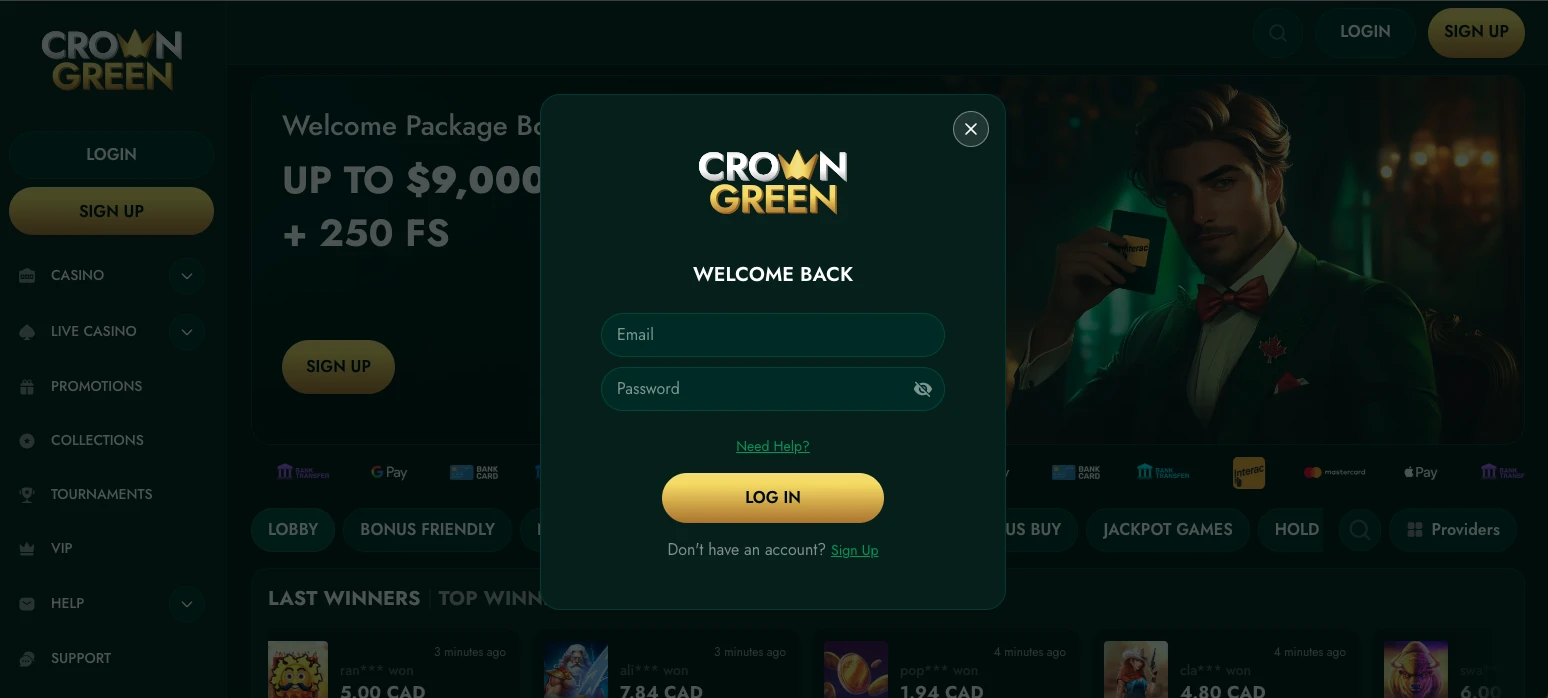
Signing in for the first time is the moment to set the foundation before placing a single bet. Taking five minutes now saves a lot of frustration later.
Recommended sequence:
- Set deposit, loss, and session limits — find them in account settings; responsible gaming tools are available from the very first session
- Choose your cashier route — Interac is the most direct option for Canadian players; minimum deposit is $30
- Claim the first match — your first deposit triggers up to $1,500 plus 100 free spins; high-rollers can access the $4,500 match with 125 free spins on a qualifying deposit
- Browse game filters — slots, live casino, instant win, and sportsbook are each one tap away from the main lobby
When you CrownGreen sign up and arrive at the lobby for the first time, the game filters are visible immediately. We also recommend confirming your withdrawal method before you fund the account — Apple Pay and Google Pay are both supported for deposits and withdrawals, but verifying the route in the cashier ahead of time avoids any delay.
Protecting Access on Shared Devices
If you ever use a shared computer or a family tablet, signing out after every session is non-negotiable — and keeping your credentials private is just as important as any password strength requirement. A CrownGreen login left open on a shared screen is an invitation for unauthorised activity, and it also creates a risk that someone under 18 could access the account. We take underage prevention seriously: our terms are explicit that account credentials must never be shared, even with family members.
Use a unique password that you do not use anywhere else, and consider enabling browser-prompt blocking so your username and password are never saved to a shared device’s autofill. If you suspect that your details have been compromised, contact live chat immediately — agents can lock the account, trigger a password reset, and review recent session activity within minutes. Keeping your profile secure is a shared responsibility, and we have built the tools to support you the moment something feels off.
Support for First-Time Registrations
If you are new to the platform and unsure where to start, reaching out before you deposit is always a smart move. Our live chat team is available 24/7 and can walk you through the CrownGreen register process, explain which payment method suits your needs, and confirm the current welcome offer details in real time. Players who want a fast track to VIP Manor status will find that a single deposit of $1,500 is enough to unlock that tier and start earning points immediately. Canadian players who use Interac will find the cashier experience especially smooth, since it connects directly to online banking with no extra steps. Whether you are drawn to the slots lobby, the live blackjack tables, or the sportsbook, everything you need is waiting on the other side of a single registration.
Frequently Asked Questions
Does one account cover the sportsbook?
Yes — a single profile gives you access to every section of the platform, including slots, live casino, and the full sportsbook. There is no separate registration required for sports betting. Your cashier, VIP points, and responsible gaming limits all carry across every section automatically.
Which documents should I prepare?
Have a government-issued photo ID and a proof-of-address document ready before your first withdrawal request. The address document should be dated within the last three months. Uploading both early through your account settings keeps the verification queue short and your payout timeline predictable.
What should I do first after registering?
The best first step is setting your deposit and session limits before funding the account. After that, confirm your cashier method in the cashier section — Interac is the fastest route for most Canadian players. Then check the active welcome offer, because the first deposit match and free spins only apply when you opt in before depositing.
How do I keep my account secure at home?
Use a unique password stored somewhere only you can reach it, and never save your CrownGreen Casino login credentials to a shared browser. Sign out fully at the end of every session, and contact live chat immediately if you notice any activity you do not recognise — the team can lock the account and run a security review on the spot.
Can I register without an address?
No — a valid residential address is a required field during registration and is used during the KYC verification process. Entering an inaccurate address will cause a mismatch when you submit identity documents, which delays withdrawals. Use the address that appears on your ID or your most recent utility bill to keep everything consistent from the start.